Google reviews & reputation
Google review management for Toronto and GTA businesses
Cressoft runs Google review management for businesses in Mississauga, Toronto and across the GTA. We ask every customer for a review after the job, draft a reply to every review for you to approve, and keep an eye on your rating, all inside Google’s rules.
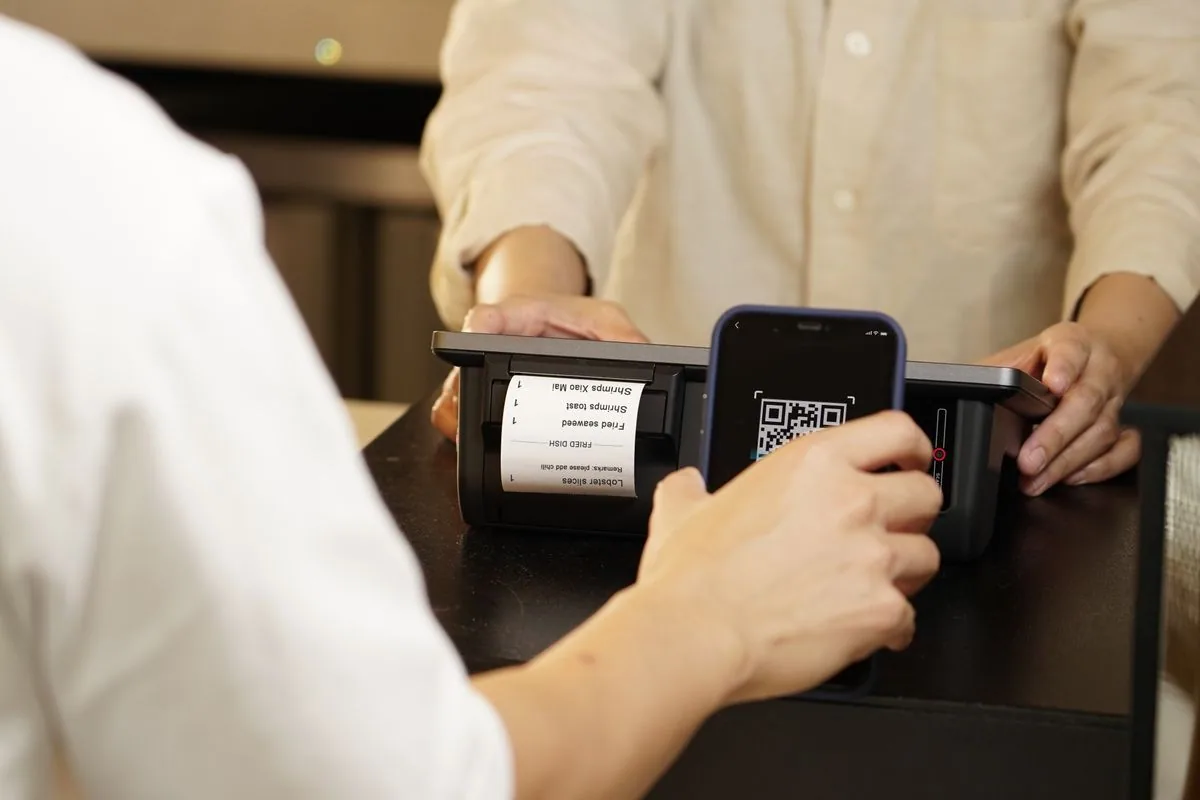
What review management includes
Reviews are earned one job at a time. We make sure every customer is asked and every review gets an answer.
A request after every job
Every customer gets the same short message once the work is done, while the visit is still fresh.
- Sent by text or email
- Your one-tap Google review link
- Tied to how you already track jobs
- Every customer, no filter
Replies you approve
Every review gets a reply under your business name, written in your voice and checked by you.
- First draft written with AI
- Facts taken from your business details
- You approve or edit before it posts
- Negative reviews come to you first
Rating watch
You hear about a new review before your next customer reads it, not weeks later.
- New review alerts
- Fake or abusive reviews flagged to Google
- A short monthly summary
- Trends in what customers mention
Your review link and QR code
One link that opens your Google review form, ready to use anywhere you meet customers.
- Short review link
- QR code for invoices and receipts
- Wording for your email signature
- Set up once, used for every request
How it works
Set up
We create your review link and QR code and connect requests to how you already track jobs: your calendar, booking tool, invoicing, or a shared sheet.
Ask
Each customer gets one request after the job, by text or email, with no incentive attached and no suggested rating or wording.
Reply
We draft a reply to every new review. You approve or edit it, and it posts under your business name.
Report
Once a month you get a short summary: new reviews, replies sent, your rating, and anything that needs your attention.
An honest limit: we cannot promise a number of reviews or a star rating. Those depend on your customers and the work itself. What we can promise is that every customer is asked and every review is answered.
How this fits with your Google Business Profile
Reviews live on your Google Business Profile, but the profile is more than its reviews. Categories, services, photos, posts, and your position in the local map results are their own job, covered by our Google Business Profile optimization service. This page is about the reviews: asking for them, answering them, and watching them.
The two support each other, and both are part of local SEO. You can run review management on its own, or alongside either service.
Google’s Own Rules for Asking and Replying
Google publishes what a business may and may not do to get reviews. Breaking those rules can get reviews removed or a profile restricted, so every request we send is built around them.
Ask every customer, not only the happy ones
Not allowed: “Discourage or prohibit negative reviews, or selectively solicit positive reviews from customers”.
So there is no filter that sends happy customers to Google and unhappy ones somewhere else. Every customer gets the same request.
No rewards and no suggested wording
Allowed: “Solicit or encourage the posting of content that does represent a genuine experience, without offering incentives to do so or attempting to influence the rating or the contents of the review.”
Our requests carry no discount or prize, and they never suggest a star rating or what to write.
Reply to reviews
“Helpful and positive replies to reviews can show that you’re responsive to your customers.”
Google also notifies the reviewer when you reply. We draft a reply to every review and you approve it before it posts.
Quoted from the linked sources, checked November 2, 2026. Guidance and law change; follow the link for the current wording.
Review management questions from GTA owners
What does Google review management include?
Three things, run every week. We send a review request to every customer after the job, by text or email, with your one-tap Google review link. We draft a reply to every new review, positive or negative, for you to approve. And we watch your rating, so a bad review or a sudden change reaches you first instead of sitting unanswered.
Can you reply to my Google reviews for me?
Yes, with you in the loop. We draft each reply with AI, using your business details for the facts, and you approve or edit it before it posts under your business name. Nothing goes out without your OK, and negative reviews come to you before any reply is drafted.
Is it allowed to ask every customer for a Google review?
Yes, and it should be every customer. Google allows businesses to ask for genuine reviews as long as they offer no incentive and do not try to influence the rating or the wording. What Google does not allow is asking only your happy customers, or discouraging negative reviews. Our requests go to every customer after the job, with no filter.
Can you remove a bad review?
Only Google can remove a review, and only when it breaks Google’s rules, for example a fake review, a review from someone who was never a customer, or one with personal information or hateful content. We flag those through your Business Profile and track the request. A genuine negative review stays up, so the answer is a calm, specific reply that shows the next customer how you handle problems. Be wary of anyone who promises removal.
How is review management different from Google Business Profile optimization?
Google Business Profile optimization works on the profile itself: categories, services, photos, posts, and your position in the Map Pack. Review management works on the reviews: asking every customer, replying to every review, and keeping an eye on your rating. They support each other, so many businesses run both.
How do I get more Google reviews?
Ask every customer, right after the job, with a one-tap link to your review form, and make it a routine rather than an occasional favour. Our free guide to getting more Google reviews walks through the full routine, including when to ask and what to say.
Related services
Google Business Profile
Categories, services, photos and posts tuned so your profile shows up in the local map results.
Learn moreLocal SEO
On-page SEO, citations and content that help your business rank in your city.
Learn moreAI Workflow Automation
Take other repetitive admin off your plate: email replies, lead follow-up, quotes and reminders.
Learn moreFrom the blog
Learn the review playbook.
The routine behind the service, written up as free guides.
How to Get More Google Reviews for Your GTA Small Business (2026)
When to ask, what to say, how to reply, and what Google does not allow, step by step.
What GTA business owners say
“It was an absolute pleasure working with Nadeem and Raheel on our website updates. They were professional, fast, and incredibly collaborative throughout the entire process, handling everything from bug fixes to new features with great care.”
“Great experience from start to finish. Very professional, responsive, and knowledgeable. Delivered a great website and provided valuable insights on how to improve its reach. Highly recommended!”
Want every customer asked and every review answered?
Tell us about your business and how you track jobs today. We will show you how review requests and replies would work for you.