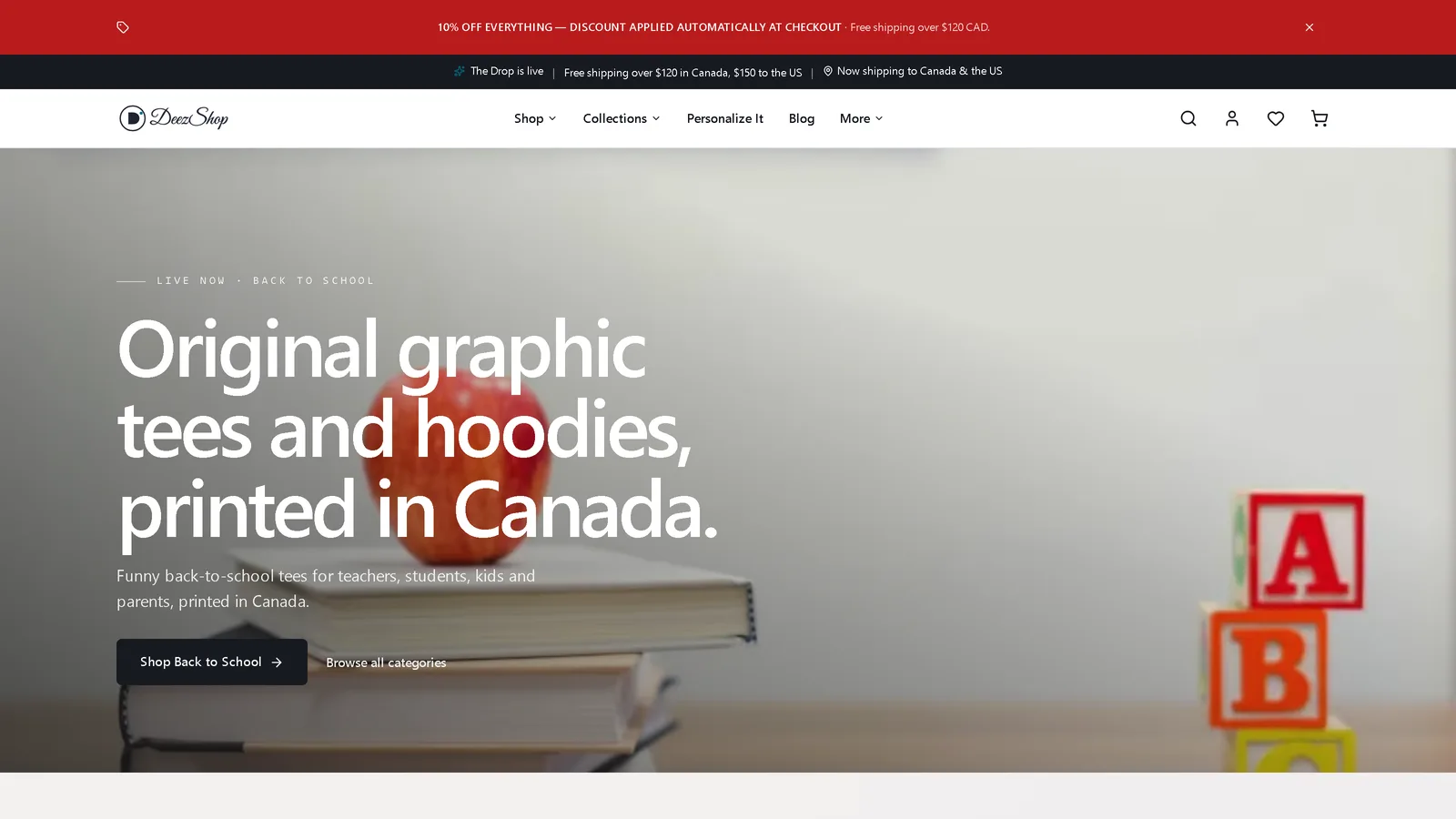
Shopify is the most common way a GTA small business opens an online store, and searches for it are climbing fast. This guide covers what actually matters: what a fast, findable Shopify site needs, whether Shopify is good for SEO, what a store really costs in Canadian dollars, and when a headless build on Next.js is worth the extra investment. No hype, just what we would tell a client.
Why Shopify for a small store
Shopify handles the hard, high-stakes parts of selling online so you do not have to: secure checkout, payments, taxes, inventory, and orders. That reliability is why we build most stores on it, including our own. For a small business, it means you can focus on products and marketing instead of maintaining payment security and server uptime. The trade-off is that a default Shopify theme looks like thousands of other stores and can load slowly, which is where design and build quality come in.
Is Shopify good for SEO?
Yes, Shopify is good for SEO when it is set up well, and this is worth stating plainly because it is one of the most common questions. Out of the box, Shopify gives you clean URLs, fast and secure hosting, editable titles and meta descriptions, mobile-ready themes, and easy schema. Those are the technical foundations Google rewards.
It is not perfect. Shopify gives you less control over URL structure than a fully custom site, and its collection and product-variant pages can create duplicate-content issues if they are not handled carefully. For most stores those limits are manageable. For a store where organic search is a main channel, a headless Shopify build on Next.js removes them and hands you full SEO control.
What a well-built Shopify site needs
- Speed. Heavy themes and stacked apps slow a store down, and every second of load time costs conversions and rankings. A lean theme or a headless build keeps it fast.
- Mobile-first design. Most store traffic is on phones. The checkout and product pages have to be effortless on a small screen.
- Clear product and collection structure. Clean, logical collections and product pages help both shoppers and search engines understand your catalogue.
- Trust signals. Real photos, reviews, clear shipping and return info, and secure-checkout cues turn browsers into buyers.
- A brand that is yours. A custom theme or headless front end so your store does not look like the default template everyone else uses.
A practical Shopify SEO checklist
- Write real titles and meta descriptions for every product and collection, not the auto-generated defaults.
- Optimize collection pages. These are often your best ranking pages for category searches, so give them useful intro content, not just a grid.
- Add product schema so Google can show price, availability, and reviews in results.
- Compress and name images and add descriptive alt text. Product photos are heavy; unoptimized images are the most common Shopify speed killer.
- Use the blog. Answer the questions your customers ask before they buy. It captures top-of-funnel search and supports your product pages.
- Handle variants and duplicates. Set canonical tags correctly so variant and filtered URLs do not split your ranking signals.
- Keep it fast. Audit your apps and theme regularly. Every app you add has a speed cost.
For the wider organic picture, pair this with our SEO services and the complete local SEO guide.
What a Shopify website costs
Two costs to keep separate: the build and the ongoing Shopify plan.
- The build: quoted to scope. A clean custom theme setup costs the least; a larger custom or headless store with more products and features commonly runs $3,000 to $8,000.
- Shopify subscription: roughly $38 to $145 CAD per month depending on plan, plus payment processing fees on each sale.
What drives the build price is the number of products, how custom the design is, and whether you choose a standard theme or a headless build. To sanity-check a quote, run your project through our web design cost calculator or compare agency pricing in the GTA Website Cost Report.
Standard versus headless Shopify
Standard Shopify puts your store on a theme running on Shopify’s own front end. It is quick to launch and the right choice for most small stores on a reasonable budget. Headless Shopify replaces that front end with a custom Next.js site while Shopify still powers checkout, payments, and orders behind the scenes. You get maximum speed, full SEO control, and complete design freedom, at a higher build cost. For a deeper look at the modern-stack question, see our WordPress vs Next.js comparison.
The honest rule of thumb: start standard if you are launching and testing, go headless when the store is a core revenue channel and speed and search really matter.
Our honest take
Shopify is a strong platform for a small business, and most stores do not need anything more exotic. What separates a store that sells from one that just exists is build quality: speed, clean structure, real SEO, and a brand that looks like yours. We build both standard and headless Shopify stores, and we run a headless Shopify store ourselves, so the advice here is what we actually do. If you want a straight recommendation on the right setup for what you sell, book a free website audit or see our e-commerce and Shopify web design service.